
Postman guide — Erplain GraphQL API
This page explains how to use Postman to query Erplain's GraphQL API and how to use the interactive GraphiQL UI available at /graphiql.
Overview
A typical Postman page will look like this:
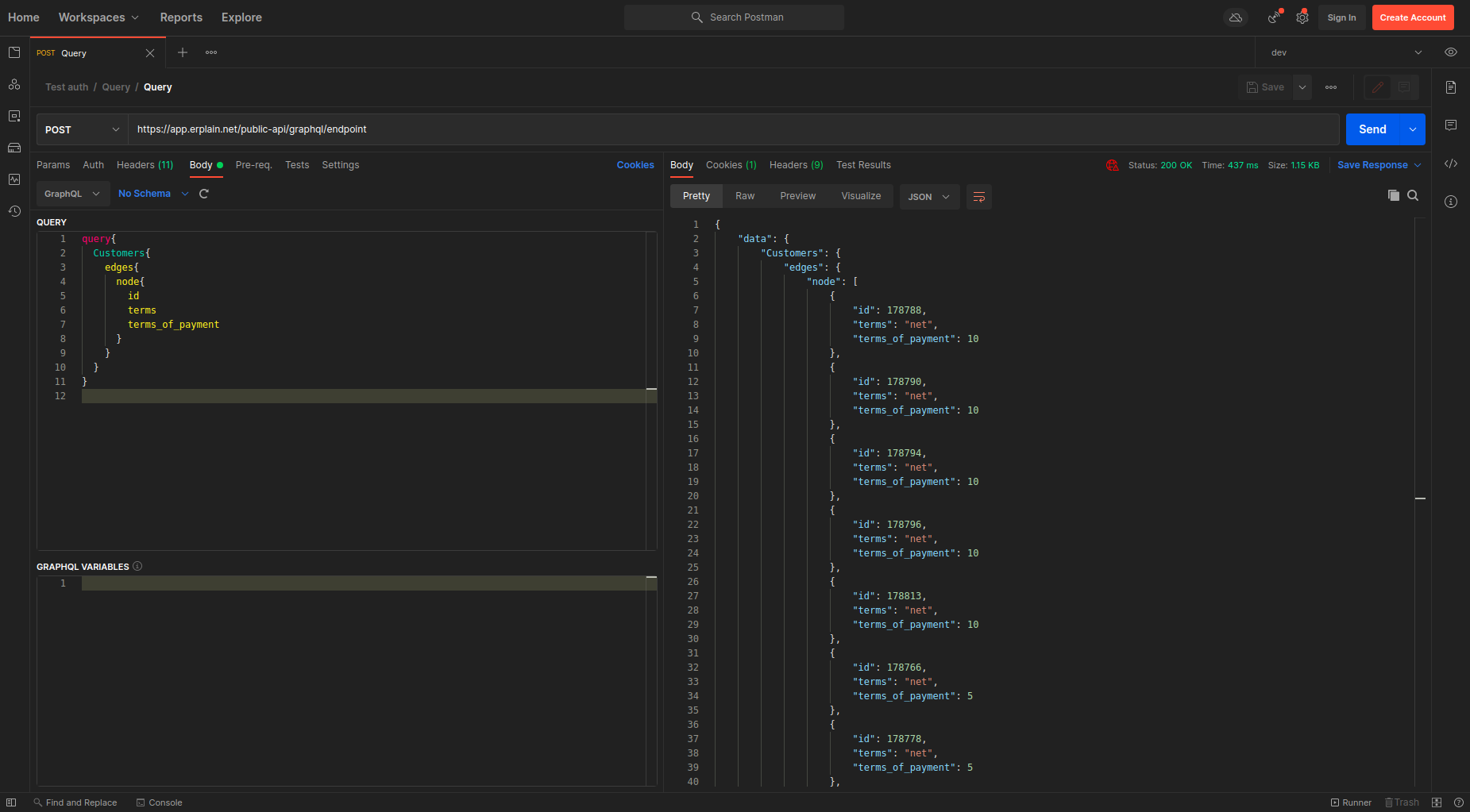
This guide focuses on the minimal configuration clients need to run queries from Postman.
The endpoint
GraphQL (and therefore our public API) uses a single endpoint:
https://api.erplain.app/graphql

Set this URL as the request target in Postman.
Authentication / Query headers
Your Postman headers must include at least the following:

- Content-Type: application/json
- Authorization: Bearer your_token
Bearer <your_token> should be the token you received after authenticating. Rather than hard-coding the token in each request, store it as an environment or collection variable in Postman (for example {{erplain_token}}) and reference it with Authorization: Bearer {{erplain_token}}. That way you only update the token value once.
Quick: creating an environment variable in Postman
- Open Postman → Environments → Add Environment.
- Create a variable named
erplain_tokenand paste your bearer token intoCurrent Value. - In request headers use:
Authorization: Bearer {{erplain_token}}.
The query (request body)
Write the GraphQL query in the request body area. Postman recognizes GraphQL and provides syntax highlighting. For the API we send a JSON payload with query and optional variables fields.
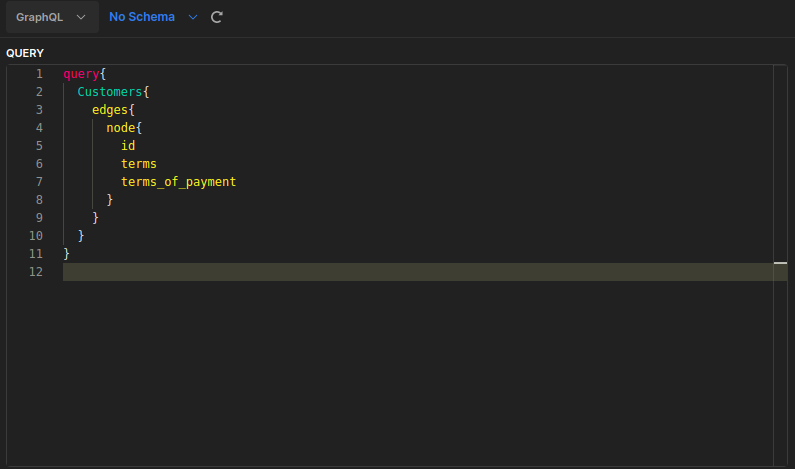
Example request body (raw JSON):
{
  "query": "query GetEmployee($id: ID!) { employee(id: $id) { id firstName employer { __typename ... on Customer { id name } ... on Supplier { id name } } } }",
  "variables": { "id": "1" }
}
Notes:
- Put complex queries on multiple lines inside the string for readability in Postman.
- Use
__typenamewhen querying unions to detect which concrete type was returned. - Reusable fragments are useful to avoid repeating field selections across queries.
GraphiQL (interactive IDE)
An interactive GraphiQL UI is available at /graphiql on the same host. Open:
https://www.erplain.app/graphiql
GraphiQL lets you write queries, see schema documentation, and run queries interactively. It is useful for exploration and testing before copying requests to Postman.
Notes about using GraphiQL:
- You may need to provide the Authorization header (Bearer token) depending on how the instance is hosted. Use the "Headers" or "HTTP headers" panel in GraphiQL to inject
{"Authorization":"Bearer <token>"}if required. - GraphiQL supports query autocompletion and shows type documentation from the schema, which makes it handy for discovering unions and available fields.
Troubleshooting
- 401 / Unauthorized: verify the bearer token and that it's placed in the
Authorizationheader asBearer <token>. - 400 / Bad Request: check that your JSON body is valid and that
queryis a string. Use Postman’s pretty view to validate. - Unexpected null fields: ensure you requested the fields you expect (GraphQL returns only requested fields) and check permissions on the account used by the token.